Explain the major systems of a fictional electric vehicle through a separated isometric overview. EV System Exploded View starts from verified subsystem locations and relationships, then uses consistent color groups to keep the battery, drivetrain, chassis and cabin legible. Its geometry is schematic, not a service drawing or evidence of a real vehicle’s engineering.
What you get
A system-level anatomy view organized into six to ten groups rather than a fabricated part-by-part drawing. Each group has an approved location, relationship and neutral color code, with body, chassis, power and thermal systems distinguished where supported by the supplied data.
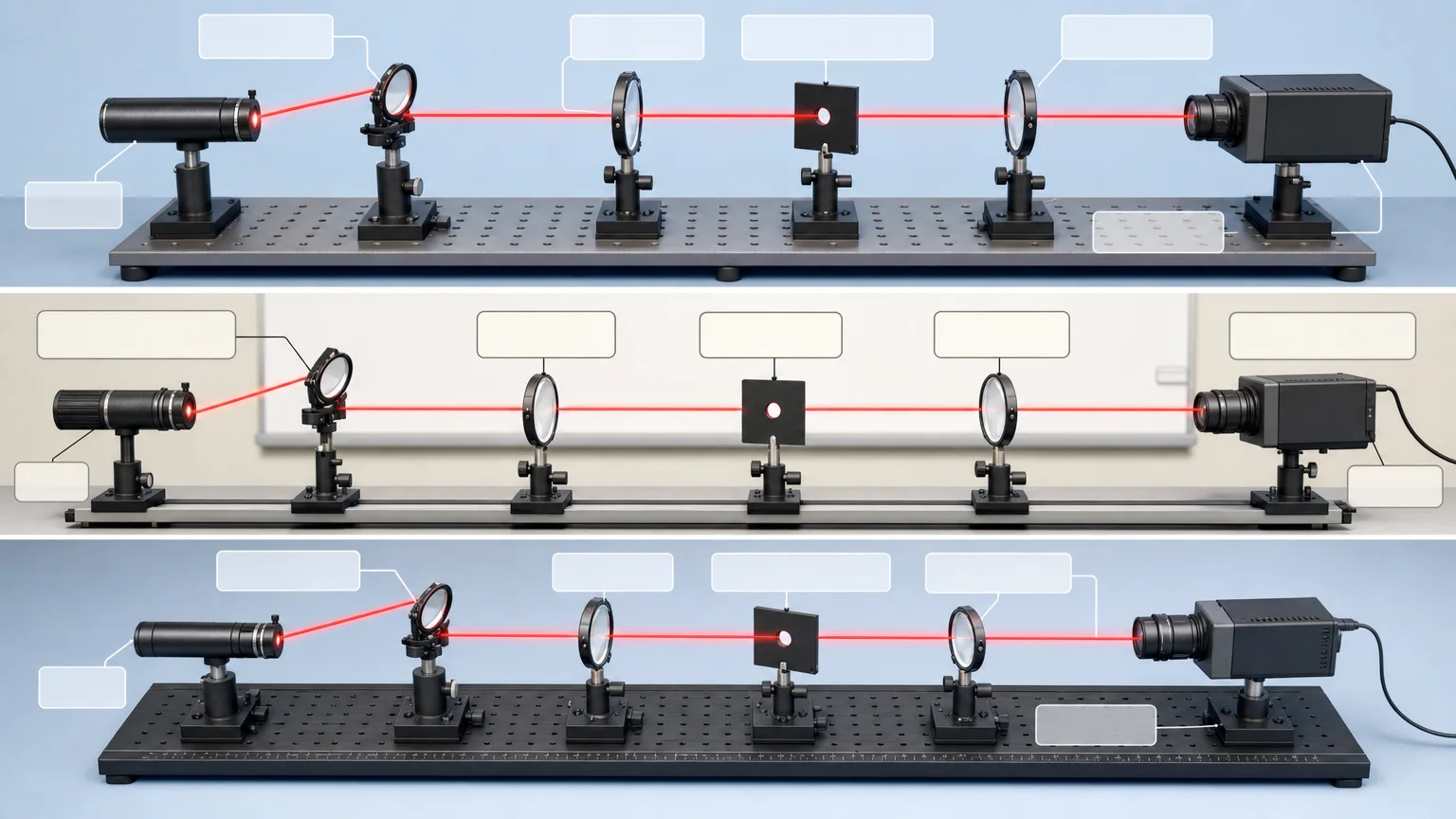
Three unbranded 16:9 composition alternatives using an isometric separation direction that exposes the main systems without losing their relationship. Use a fictional vehicle silhouette unless appropriate rights-cleared references are supplied; illustrative geometry is explicitly marked schematic.
Blank callout areas tied to the approved system table, followed by exact labels, values, legend terms, citations and disclaimers added in a deterministic layout tool. The generated art is not the final source of terminology or specifications.
An evidence-table comparison for visible subsystem identity, quantity, order and relationships, plus the final evidence table and unresolved-uncertainty list. This checks the communication image against the supplied material, not crash behavior, mechanical fit or electrical safety.
One paid generation task requesting three high-quality 1536×864 PNG variants, with a saved FAL request record, workflow instructions and an SVG icon reference. The script checks that three images return, not their actual dimensions, engineering accuracy or visual distinctness; final annotation and output review remain separate steps.
Before you choose
Start with the system relationships, not the number of floating parts. A viewer should understand where a group belongs and how it relates to the others; if the separation makes a false connection or suggests an unsupported cooling or electrical path, correct the drawing rather than hiding the uncertainty in a caption.
Good fit
A researcher needs a system-overview figure for a talk, poster or review and has verified subsystem information.
A technical writer wants to show how major vehicle groups are organized without presenting a service manual.
A science communicator needs an unbranded visual explanation at an agreed audience level and technical depth.
Not for
Manufacturing, maintenance, repair, crash-safety or high-voltage safety documentation.
Part-level accuracy without engineering source data, or invented fasteners, dimensions, voltages, cooling paths or crash structures.
Reproducing an actual vehicle design without permission, or using a polished image to imply engineering verification.
How to use
You say/ev-system-exploded-view Visualize my verified subsystem list for a fictional compact electric vehicle.
Provide the vehicle class, verified subsystem list and locations or an approved diagram, required color coding/legend terms, audience and technical depth. Ask for missing essentials or mark explicit verification items instead of inventing details.
Reduce the supplied system into six to ten useful groups and map each to its supported location and relationships. Pick a separation direction that keeps battery, drivetrain, chassis and cabin readable. Decide which geometry is schematic and identify that boundary before rendering.
Write a fresh English brief from the approved table, with slide-scale hierarchy, neutral color groups and clean callout space. Keep small labels, numerical specifications and unsupported structures out of generation. Review the prompt before payment and use an original unbranded form unless a cleared reference is provided.
Use Node.js 20 or newer with FAL_KEY in the environment and a FAL account. One paid task requests three 1536×864 high-quality PNG variants. The wrapper fixes those dimensions; it supplies neither engineering calculations nor arbitrary-ratio controls.
Preserve provider-task.json and the prompt. Once an ID is saved, the same prompt/output directory resumes the request and recorded failed tasks are blocked from automatic resubmission. Persistence happens after the submission response, so manually inspect provider history before retrying an uncertain response or failed write. Preserve reviewed files separately because resumed downloads can overwrite matching paths.
Compare all three images with the approved table: confirm visible systems, relative placement, quantity and relationships, and reject accidental identities or unverified structural claims. Check actual dimensions, visual distinction and readability. Add exact labels, numbers, citations and disclaimers in a deterministic tool, using restrained inline SVG for functional legend/callout cues.
Deliver the annotated images, evidence table and remaining uncertainties, clearly identifying schematic geometry. A reviewed overview must still not be described as a repair, manufacturing, crash-safety or high-voltage document.
Requirements and costs
You bring
Vehicle class and verified subsystem list · Subsystem locations or an approved reference diagram · Required color coding and legend terms · Audience and technical depth
Image generation uses a paid fal.ai task. Review the prompt before submission; failed tasks are never submitted again automatically.
Publisher testing
v1.0.1 — Claude Code / Claude Desktop / Cowork / Codex / ChatGPT
FAQ
Vehicle class, verified subsystem list and locations or an approved reference diagram, color/legend rules, audience and technical depth. Missing facts stay verification items. The overview groups systems; it does not invent service-level parts to complete the picture.
No. The base art reserves callout space. Exact labels, values, citations and disclaimers are typeset afterward from the approved system table and checked against their placement. The package does not include an automated engineering verifier or a deterministic annotation renderer.
No. It is a schematic system overview, not a manufacturing, repair, crash-safety or high-voltage document. Structure checks compare the illustration with supplied evidence; they do not prove mechanical or electrical accuracy. Node.js 20+ and a paid FAL task support image production, not engineering validation.
User reviews
—0 reviews
Select a star to share your experience.
No reviews yet. Ratings appear once readers share real experiences.