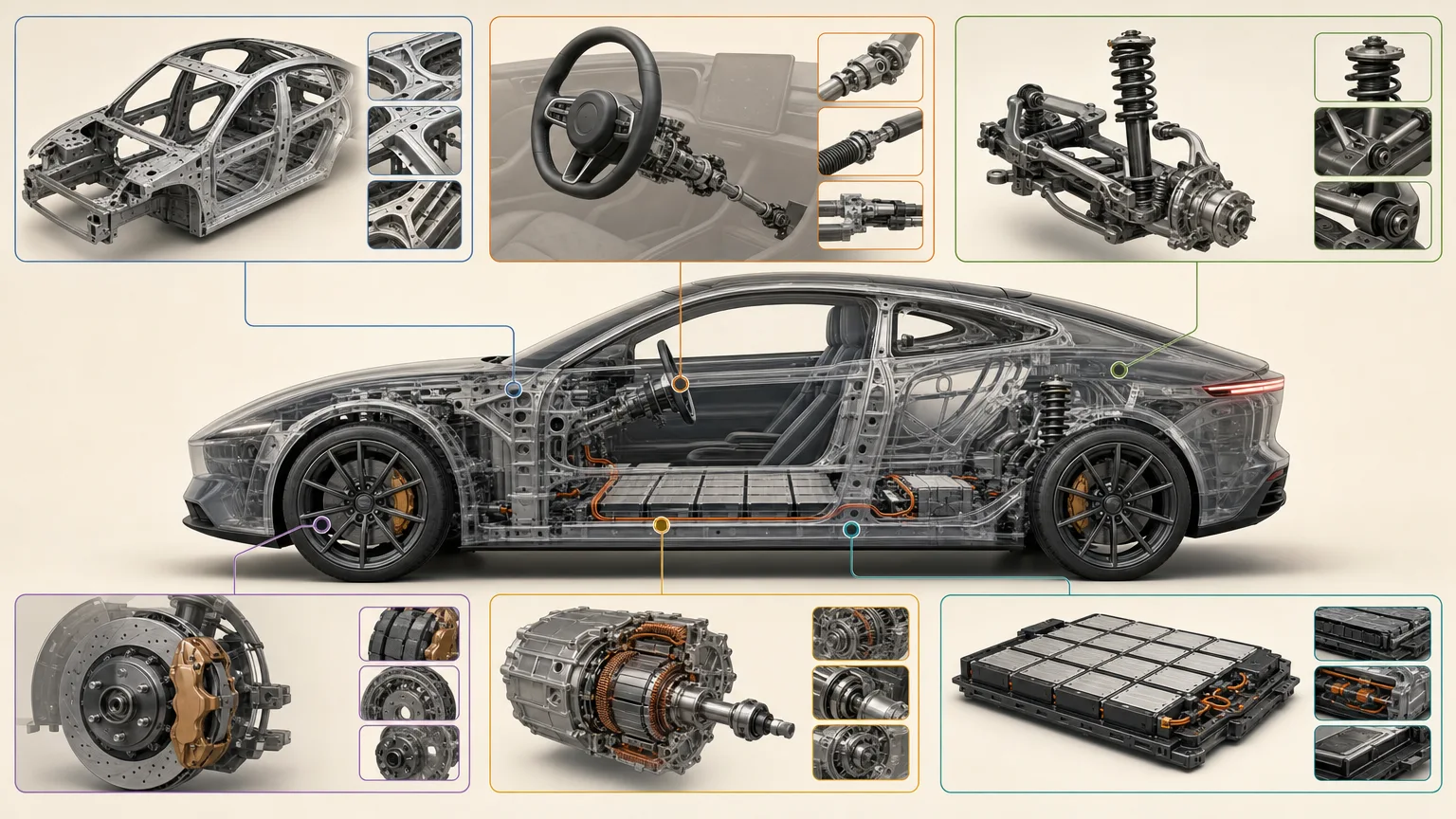
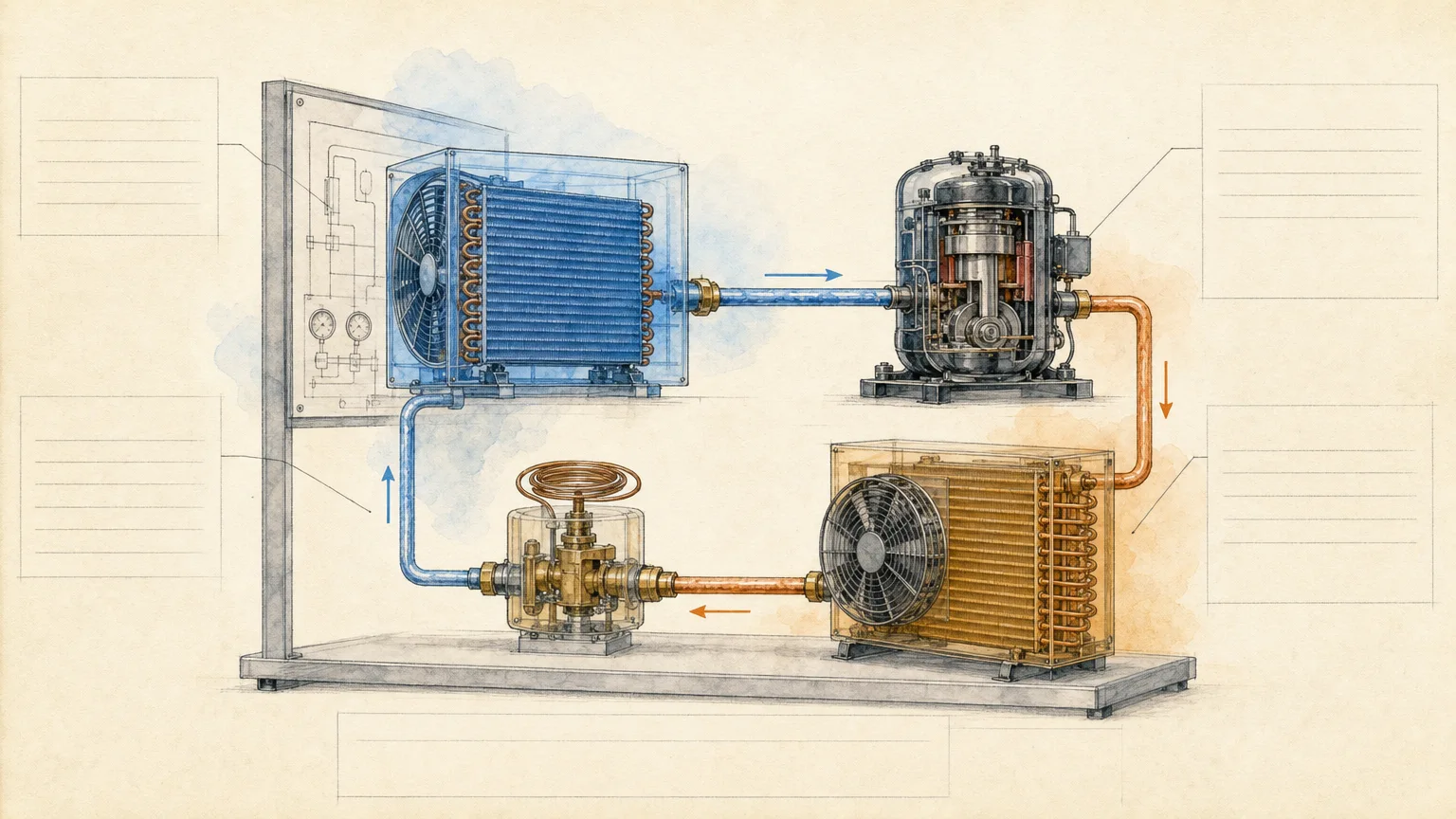
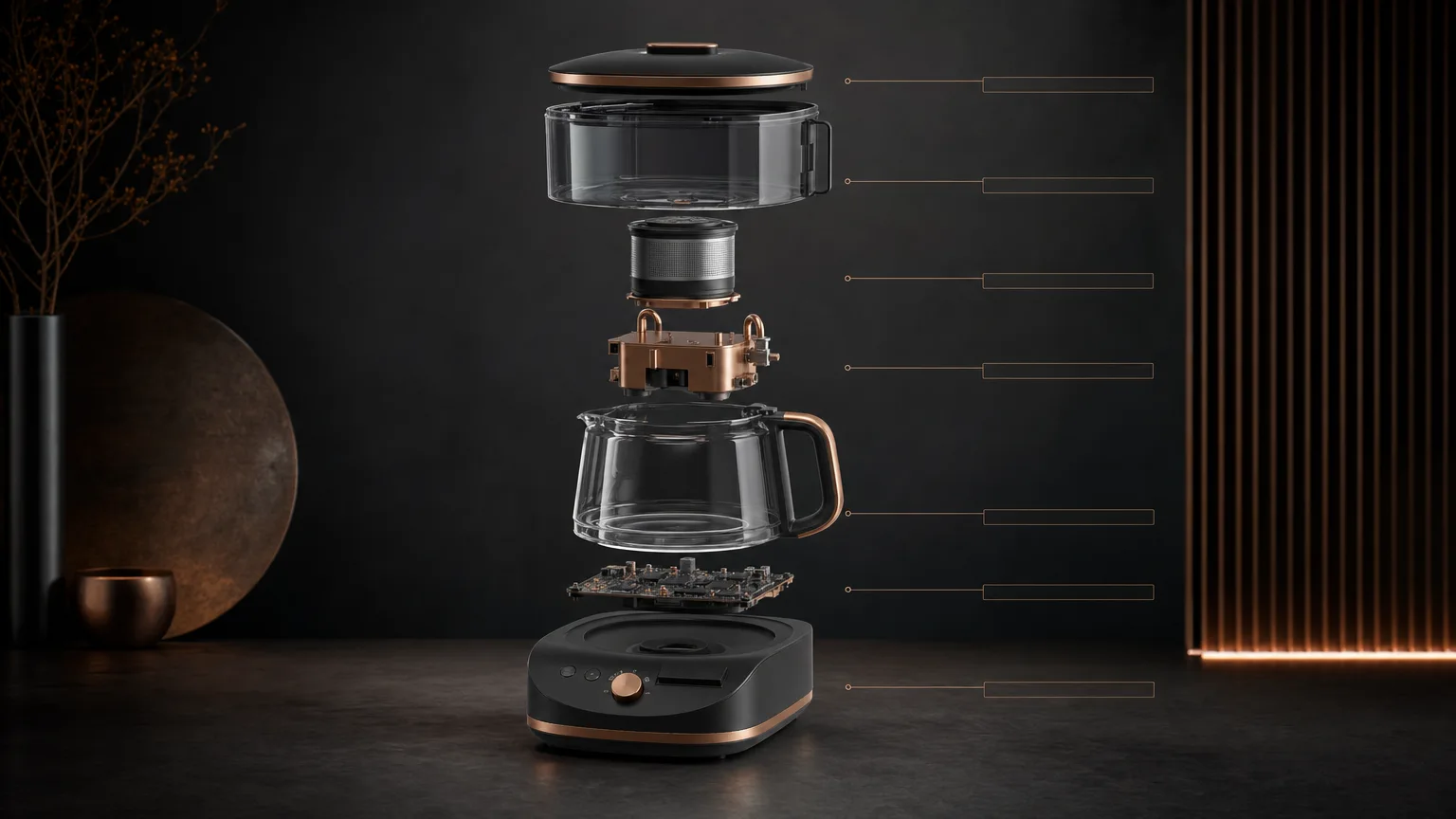
Explain an optical setup through a verified component sequence, an unambiguous beam path and clear callouts. Optical Bench Diagram turns supplied apparatus information into three presentation-figure alternatives using neutral hardware, one beam color and one annotation color. The drawing communicates the setup; it does not simulate light propagation or establish alignment or safety.
What you get
Three wide 16:9 apparatus alternatives with components and connections arranged in the approved order. A left-to-right source table records each component’s name, role, orientation and verified values before a beam path is drawn.
A restrained layered composition: background, bench, components, beam path, callout zones and caption area. Neutral hardware contrasts with one beam color and one annotation color so the route remains readable without decorative complexity.
Clean zones for exact component labels, focal lengths, wavelengths, other supplied values, citations and uncertainty notes, added afterward with a deterministic tool. Unknown values remain explicit verification items rather than plausible numbers.
An evidence comparison rejecting any alternative that changes component count, orientation or connection order. Images are delivered with the final evidence table and unresolved uncertainties; visual review is distinct from optical simulation or experimental verification.
One paid FAL task requesting three high-quality 1536×864 PNG variants through the included wrapper, plus workflow and SVG icon guidance. The script verifies returned count only; actual ratio, beam-path fidelity, annotation and output suitability still require checking.
Before you choose
Trace the beam from the first component to the last without reading a decorative cue into the setup. If any connection or orientation is ambiguous, repair it against the approved table before refining surfaces or colors; a plausible ray drawing is not a calculated optical result.
Good fit
A science communicator needs to explain an apparatus from verified facts.
A researcher wants a talk, poster or review figure without implying a simulated result.
A graduate student has the ordered setup information for a teaching or laboratory overview figure.
Not for
Optical simulation, beam-performance prediction or numerical results inferred from a rendered path.
Fabrication, assembly, alignment or laboratory safety instructions.
A project without verified component order/connections, or one that requires invented focal lengths, wavelengths or other specifications.
How to use
You say/optical-bench-diagram Create a teaching figure for a two-lens spatial-filter bench using my verified component order.
Provide the ordered components, verified beam path and connections, known focal lengths/wavelengths/other values, audience and teaching/publication context. Request missing essentials or mark them for verification; do not complete the setup by guessing.
Normalize the apparatus into a left-to-right table with name, role, orientation and supported values. Trace one unambiguous beam path and flag every missing connection. Preserve meaningful orientations and sequence rather than treating them as aesthetic choices.
Write a fresh English brief in layers: background, bench, components, beam, callout zones and caption area. Use neutral hardware, one beam color and one annotation color, keeping exact small text outside generation. Review the hierarchy, exclusions and supplied evidence before payment.
Use Node.js 20 or newer with a FAL account and FAL_KEY in the environment. One paid task requests three high-quality 1536×864 PNG variants. The wrapper has fixed dimensions and does not compute optics or verify a physical setup.
Keep provider-task.json and the approved prompt. A saved request ID resumes with the same prompt/output directory and recorded failed tasks are not automatically resubmitted. The record is written after the submission response, so inspect provider history before retrying uncertain responses or failed writes. Save reviewed copies separately because resume can overwrite matching downloads.
Compare each actual image against the table and trace the beam through every component. Reject count/order/orientation/connection changes, misleading visual claims, unwanted logos/watermarks or unreadable hierarchy. Check real dimensions and visual distinction; the script’s count check does not establish these properties.
Add exact labels, values, citations, uncertainty notes and disclaimers with a deterministic layout tool, using small inline SVG for useful functional callouts. Deliver reviewed figures, evidence table and unresolved questions, clearly identified as explanatory rather than simulation, fabrication or safety documentation.
Requirements and costs
You bring
Ordered list of optical components · Verified beam path and connection order · Known focal lengths, wavelengths, or other values · Audience and intended teaching or publication context
Image generation uses a paid fal.ai task. Review the prompt before submission; failed tasks are never submitted again automatically.
Publisher testing
v1.0.1 — Claude Code / Claude Desktop / Cowork / Codex / ChatGPT
FAQ
The ordered component list, verified beam path/connections, known focal lengths, wavelengths or other values, and audience/publication context. The table records roles and orientations as well as names. Missing connections and values remain verification items instead of being guessed.
No. The base image reserves callout space. Exact labels, values, citations and disclaimers are typeset afterward from the approved table and checked against their placement. There is no bundled deterministic annotation renderer or optical verifier.
It is an explanatory figure, not an optical simulation, performance prediction, fabrication drawing, alignment guide or safety document. Comparing the picture with a supplied table does not validate the experiment. FAL_KEY and Node.js 20+ enable the paid base-image request only.
User reviews
—0 reviews
Select a star to share your experience.
No reviews yet. Ratings appear once readers share real experiences.